 Now live
Introducing n:ews
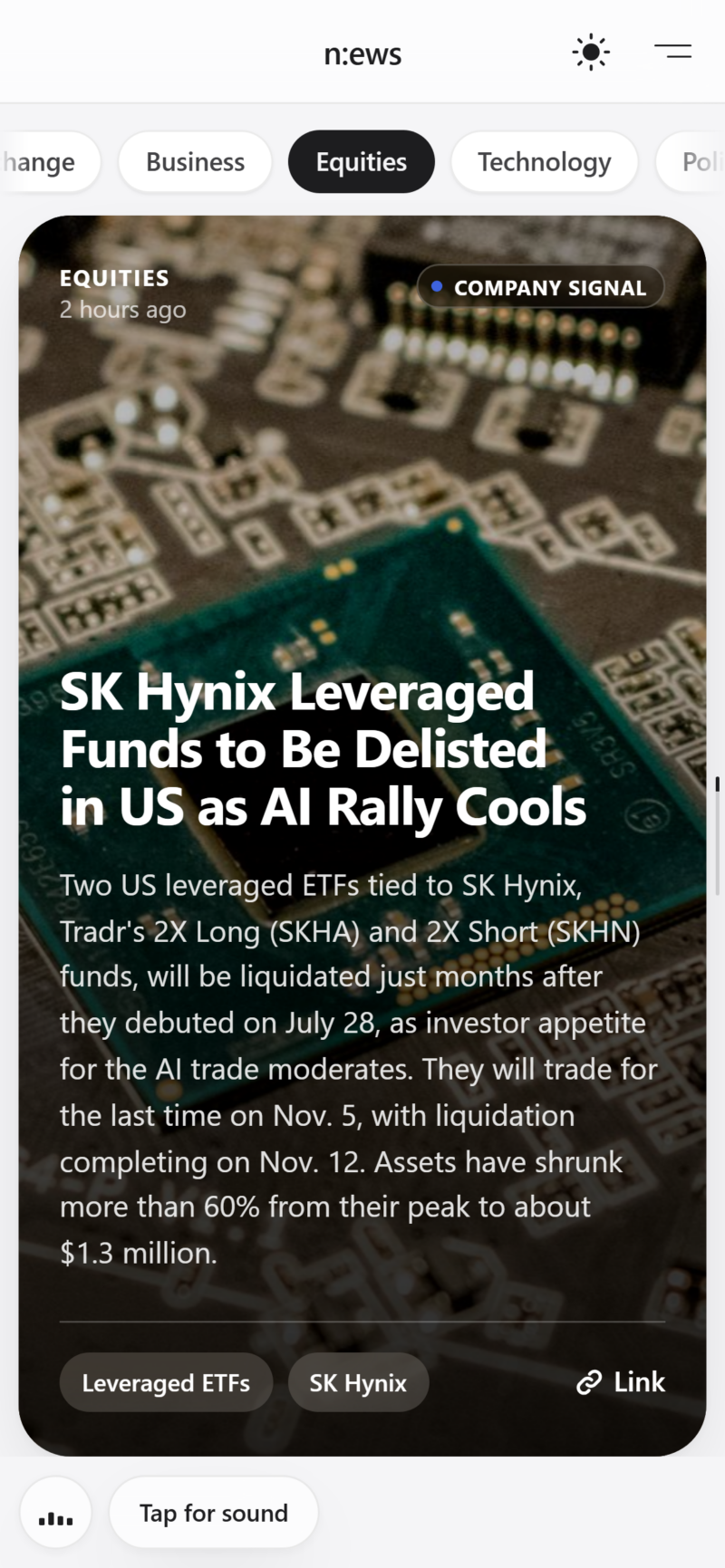
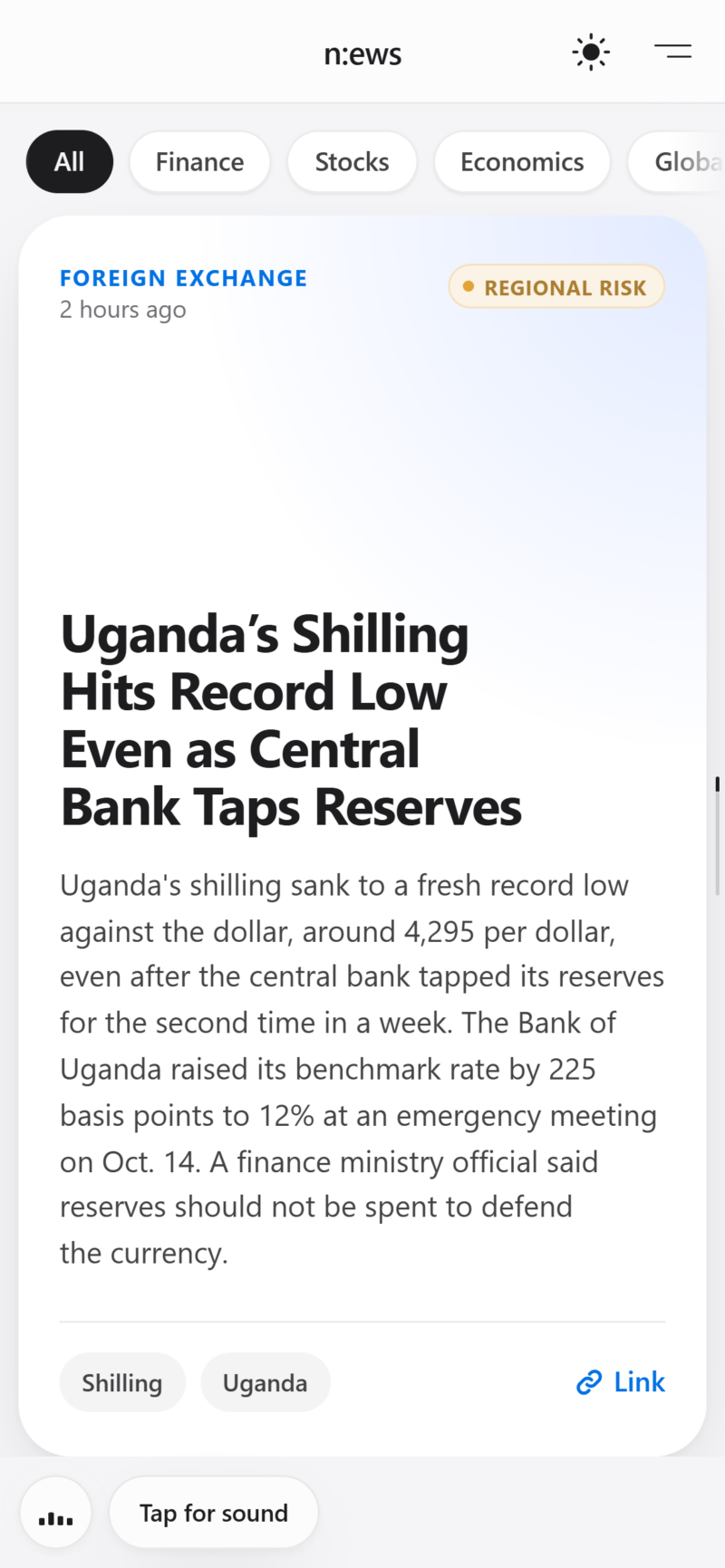
The news that matters to wealth, in under a minute. Markets, economics and geopolitics in one swipe.
news.leprivatebanker.com
Fast. Focused.
Built for decisions.
n:ews is the news service of The Private Banker. It turns the day’s markets, economics and geopolitics into short, clear briefings you can swipe through like a feed, written for private clients, family offices, advisers and anyone who wants to stay ahead without spending the morning reading.
Swipe. Read. Decide.
The feed
One story per card: headline, a summary of about 500 characters, the category and its context tag.
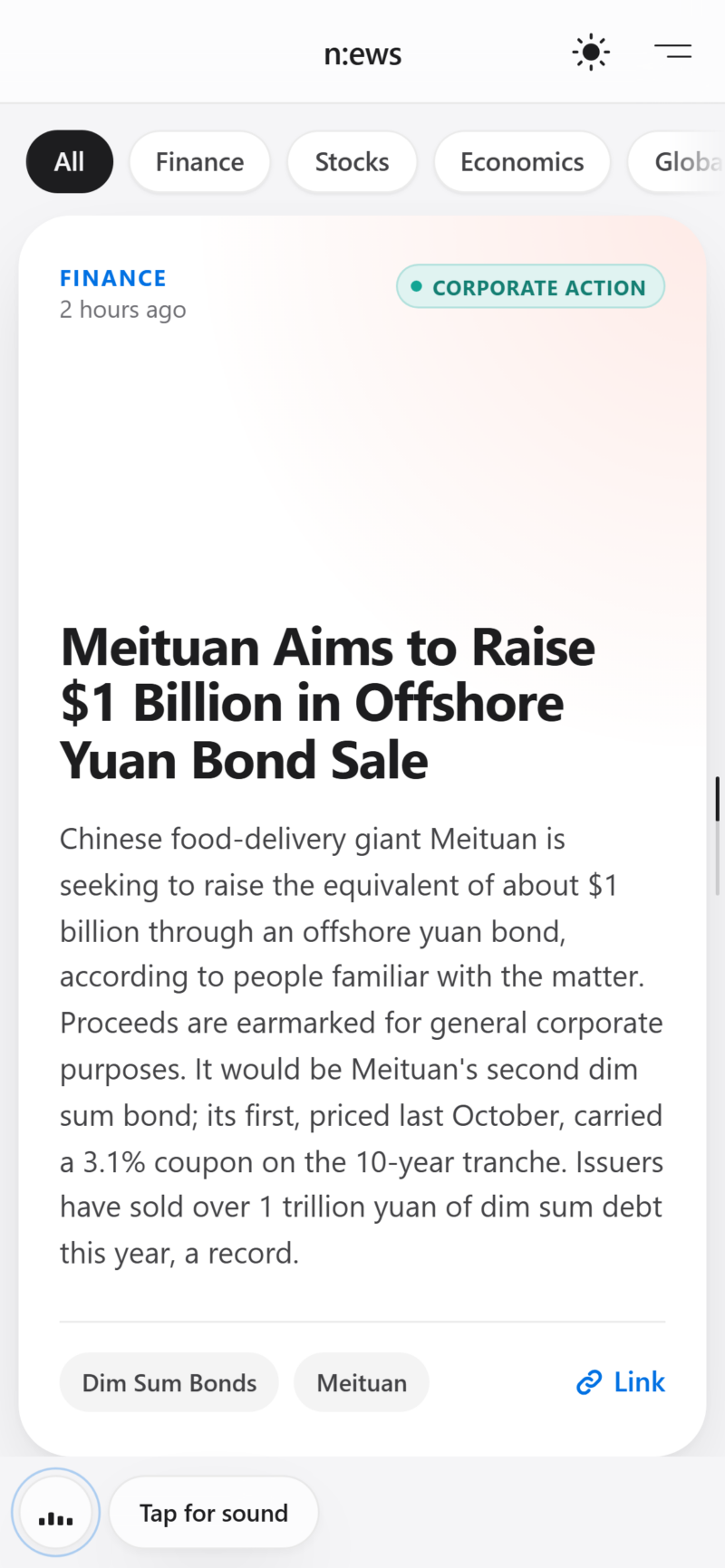
Swipe for the next story
Swipe up for the next briefing. No clutter, no autoplay video, no filler.
Context at a glance
Tags such as Regional Risk or Company Signal tell you why a story matters before you read it.
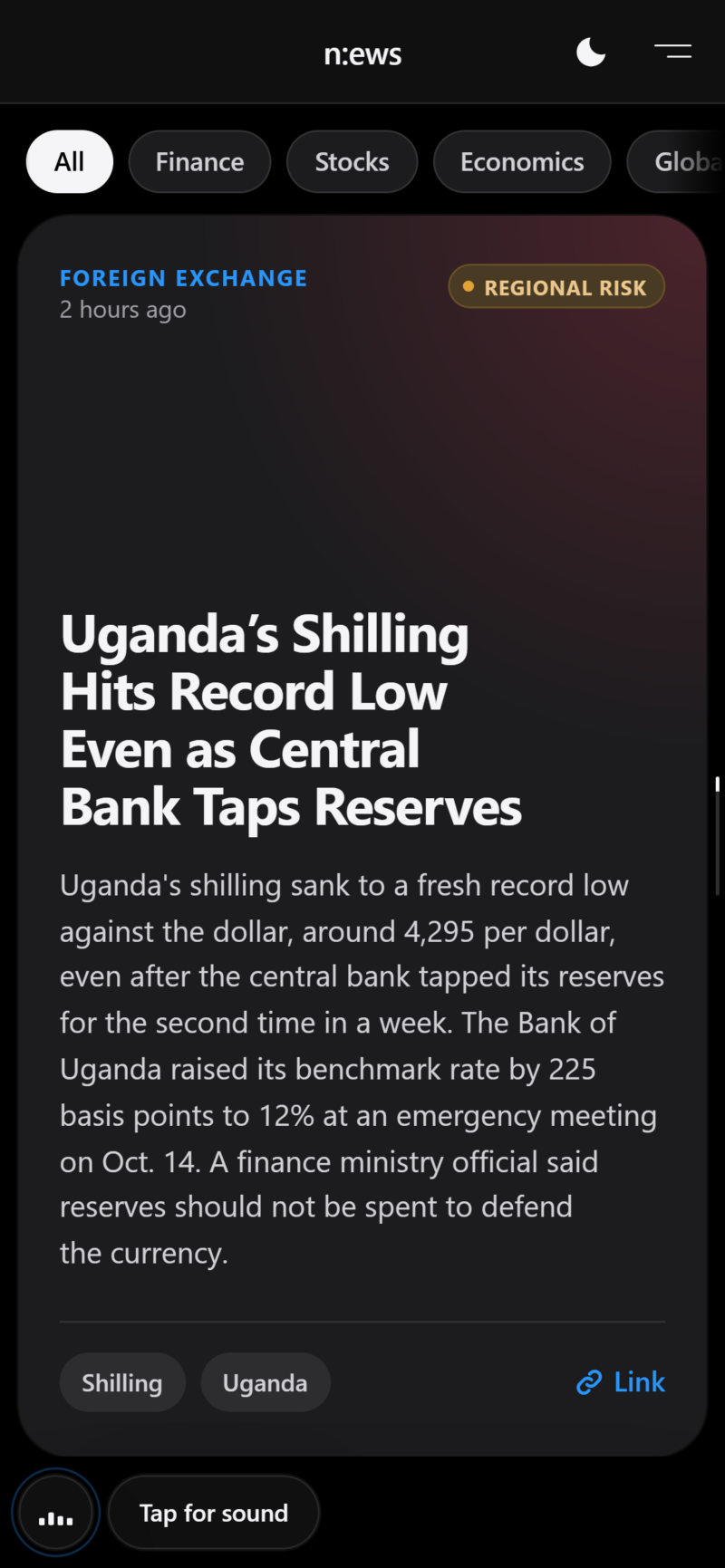
Light and dark
One tap switches between light and dark mode, day or night.
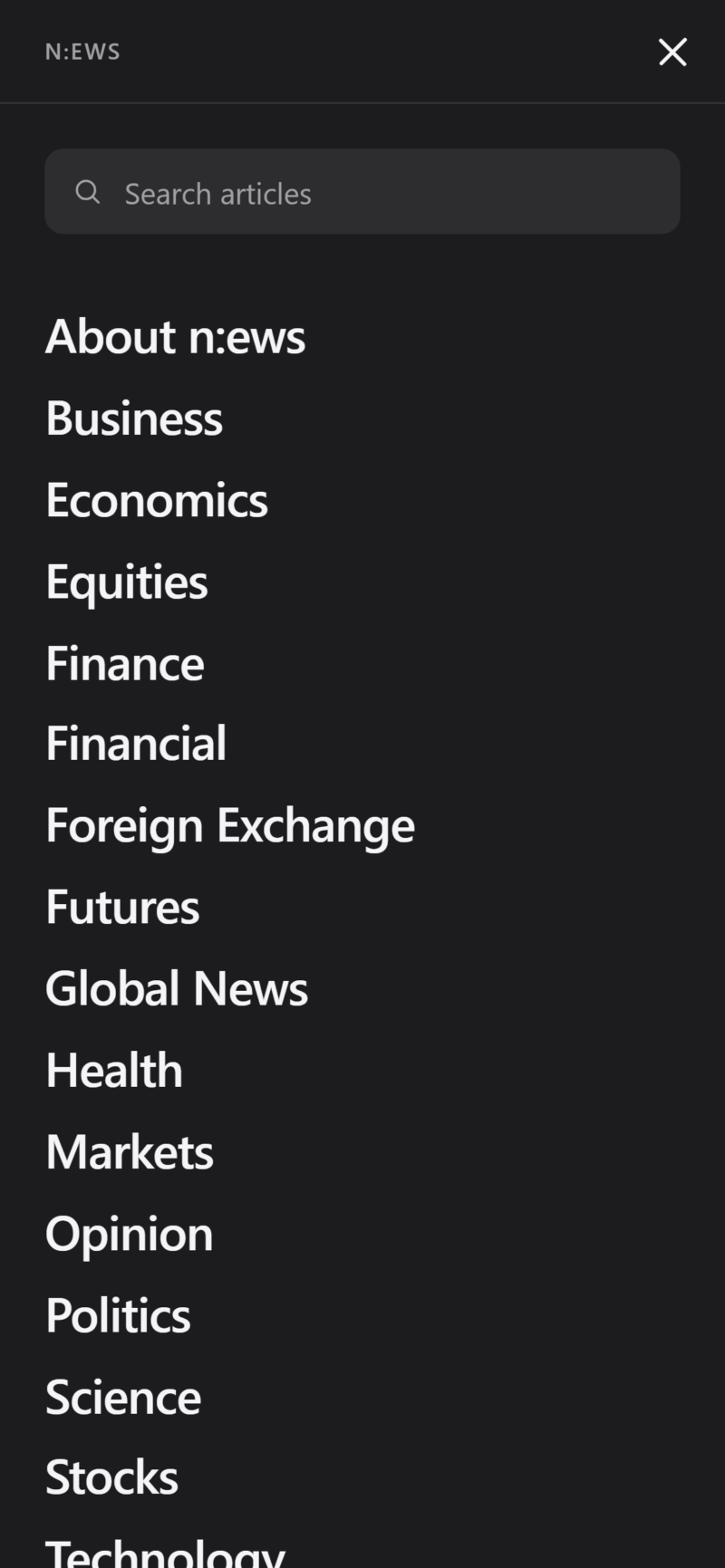
Search and categories
Search every briefing, or jump straight to Equities, Economics, Foreign Exchange and more.
What’s inside
Designed for clarity, not clutterOne story per card
Every briefing fits on one screen, so you can read it, understand why it matters and move on.
About 500 characters
Short, clear summaries written in plain, precise language by our editorial team.
Category and context
Each card shows its desk and a context tag, from Regional Risk to Corporate Action.
Its own soundtrack
Every briefing comes with a soundtrack. Tap for sound, or switch it off at any time.
Light and dark mode
A calm, Apple-style interface that is easy on the eyes at any hour.
Install as an app
Add n:ews to your home screen and it opens full screen, like a native app.
The same feed, on the big screen.
On a desktop, browse the briefings with the arrow keys or your mouse, filter by category along the top and keep the feed open beside your charts.
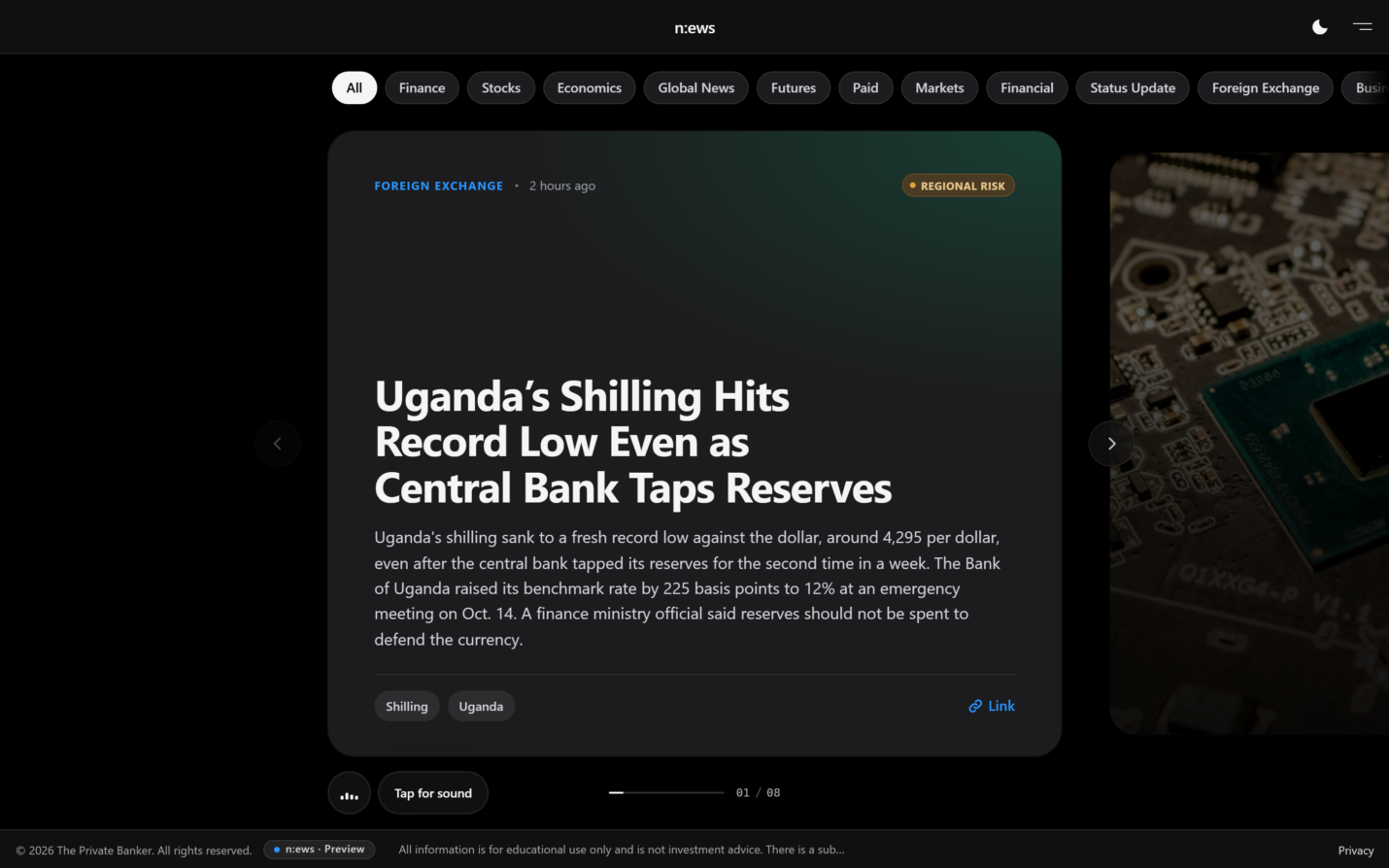
Latest briefings
Open the feed ↗Put n:ews on your home screen.
iPhone & iPad
- Open news.leprivatebanker.com in Safari.
- Tap the Share button.
- Choose Add to Home Screen.
Android
- Open news.leprivatebanker.com in Chrome.
- Tap the ⋮ menu.
- Choose Install app or Add to Home screen.
Scan with your phone’s camera to open n:ews.
n:ews is a service of The Private Banker. Briefings are produced by our editorial team and reviewed for accuracy. They are for information only and do not constitute investment advice.