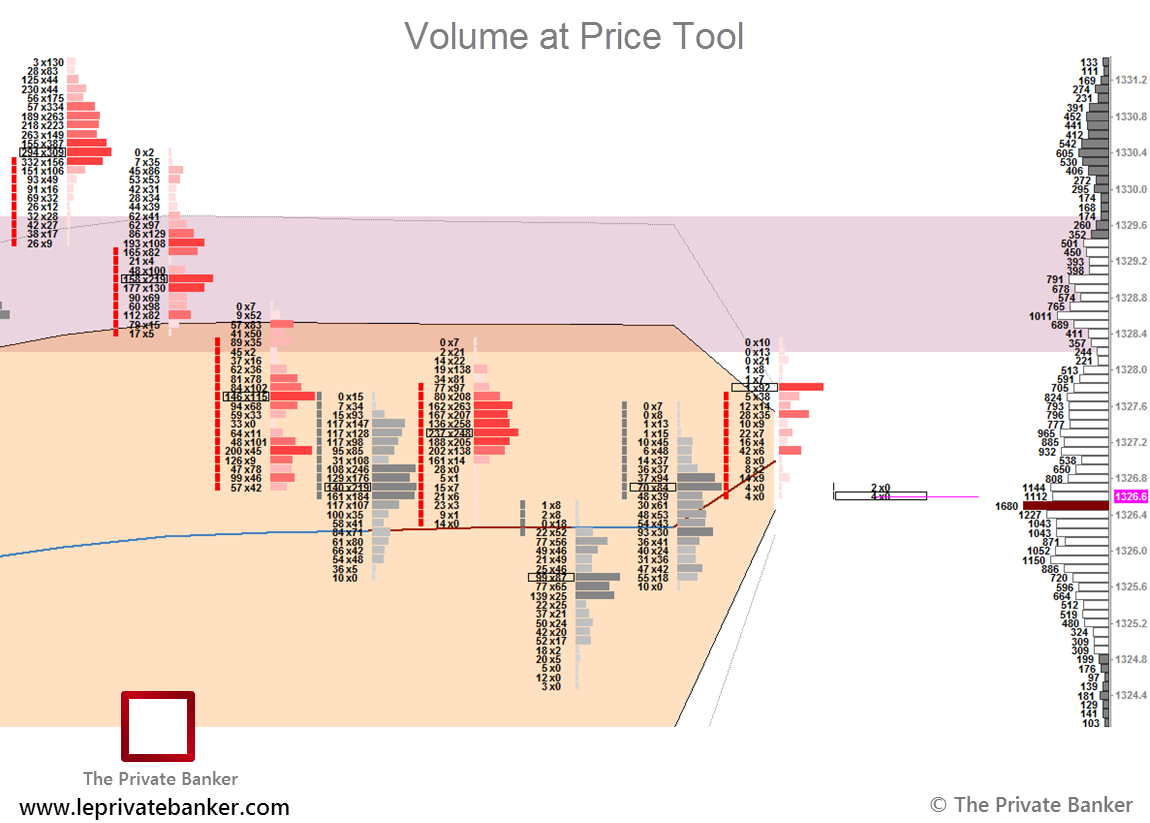
Specific template with the TPO/Volume profile and the volume at price (footprint / numbers bars) tool theme. Use the “duplicate to another chartbook” function in SC.
Members can download the TPO / Footprint Package at the bottom of this page. Please note that downloads are reserved for registered members, be sure to sign up to access our full library of templates.
Example template for Crude Oil:
Instructions
1. Download the chart template.
2. Unzip the file.
3. Add the chart templates to following folder: Sierra Chart / Data.
4. Start Sierra Chart and open the chart template with File -> Open Chartbook.
5. Adjust the contract symbols if necessary.
6. Please let us know if you have any issues in our forum.
Download the Chart Template here: